ModzBott Default Commands
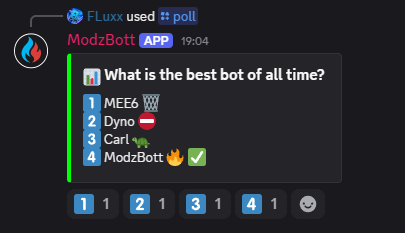
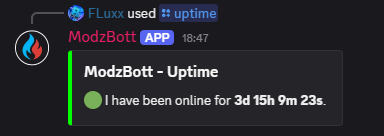
View a list of default commands that come with ModzBott alongside all the other amazing features!
You can view a full in-depth guide on the usage of these commands on the Documentation.
 Find out More
Invite to Server
Find out More
Invite to Server
List of Default Commands
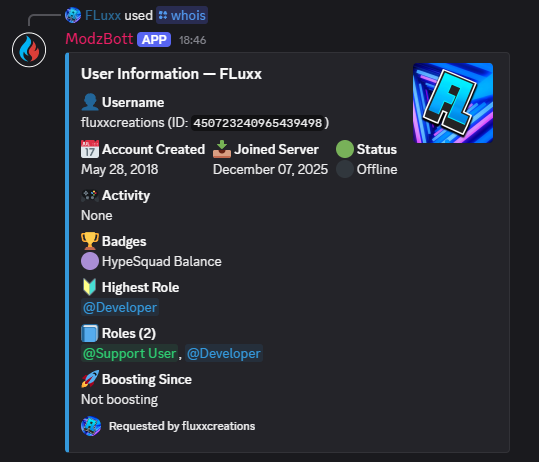
Whois
Find out information about a member including:
- Username
- Account creation date
- Server Join Date
- Status
- Activity
- Badges
- Highest Role(s)
- Role(s)
- Boosting since
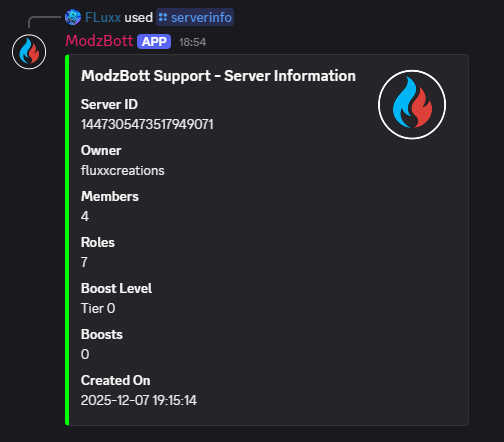
Serverinfo
Find out information about the server including:
- Server ID
- Server Owner
- Server Member Count
- Role Count
- Boost Level
- Boost Count
- Server Creation Date Add to Discord
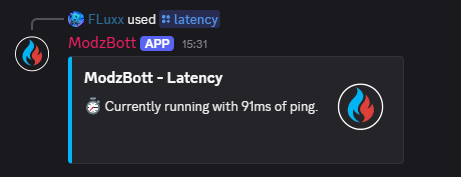
Latency
View how the bot is functioning and how long it takes for the bot to respond.
Add to Discord
Invite
Be provided with a link to add ModzBott to another server or share with your friends. Alternatively, click the button below!
Add to Discord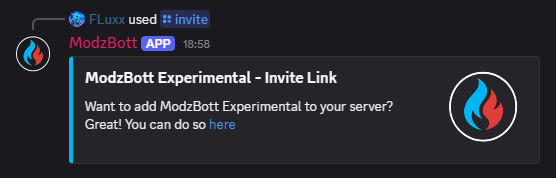
Support
Get a link to join the ModzBott Support server. Alternatively, click "Support" at the top of the page / in the dropdown!
Join Support Server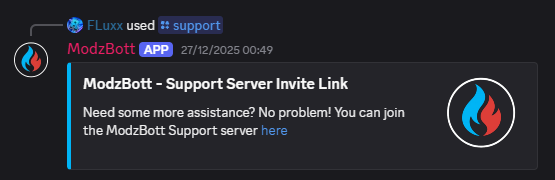
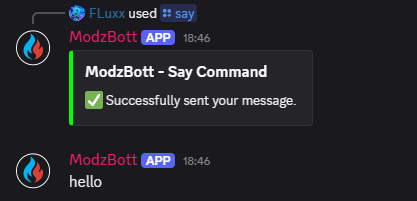
Say
Have the bot say what you want it to say!
Any sentences with inappropriate language / offensive terminology will not be sent.
Add to Discord